
HEIC vs JPG: 6 Differences That Actually Matter (2026)
HEIC vs JPG, in plain English: which is smaller, which loses quality, where each one breaks, and when you should convert. With a 2026 compatibility matrix.
By HeicToPng Team

Quick answer
HEIC is roughly half the size of JPG at the same visible quality, and supports 10-bit color, HDR, and Live Photos. JPG is universally compatible — and that's why it still wins almost everywhere outside the Apple ecosystem.
If your photo will only ever live on iPhones and iCloud, keep HEIC. If you're going to email, upload, print, or share it with anyone on Windows, Android, or any web app, convert it to JPG.
| Aspect | HEIC | JPG |
|---|---|---|
| Typical file size (12 MP photo) | ~1.5 MB | ~3 MB |
| Compression | HEVC (H.265) | JPEG DCT (1992) |
| Color depth | 10-bit | 8-bit |
| HDR / Live Photo / depth map | Yes | No |
| Universal compatibility | Apple-first | Everywhere |
| Lossy | Yes | Yes |
| Native viewer support | iPhone, Mac | All platforms |
| Royalty / patent | HEVC license required | Public domain |
The rest of this article is the why, with concrete numbers and a decision matrix you can apply to your own photos.
What HEIC and JPG actually are
JPG (or JPEG) is an image format defined by the Joint Photographic Experts Group in 1992. The compression scheme is the same DCT-based algorithm we've used for thirty years. It's lossy, it's 8 bits per channel, and every camera, browser, OS, and printer on earth understands it. The patents lapsed in the early 2010s, so it's effectively royalty-free.
HEIC is what Apple calls a HEIF file — a 2013 ISO container that holds image data compressed with HEVC, the same codec used for 4K video. Apple flipped iPhone cameras to HEIC by default in iOS 11 in 2017 (Apple support note). HEVC is patent-encumbered: that's why Microsoft charges $0.99 for the Windows 11 codec extension and why Android adoption has been slow.
So HEIC isn't a brand-new image idea. It's a 30-year-old format wrapped around a much newer codec, with a few extras (HDR, depth, Live Photos) that JPG was never designed to carry.
6 differences that actually matter
1. File size at the same visible quality
In our own tests on a 12-megapixel iPhone 15 photo, HEIC came in at 1.4–1.6 MB and the equivalent JPG (saved at quality 92, the iOS export default) at 2.8–3.2 MB. That's the number Apple cites publicly too: HEIC is about half the size of JPG.
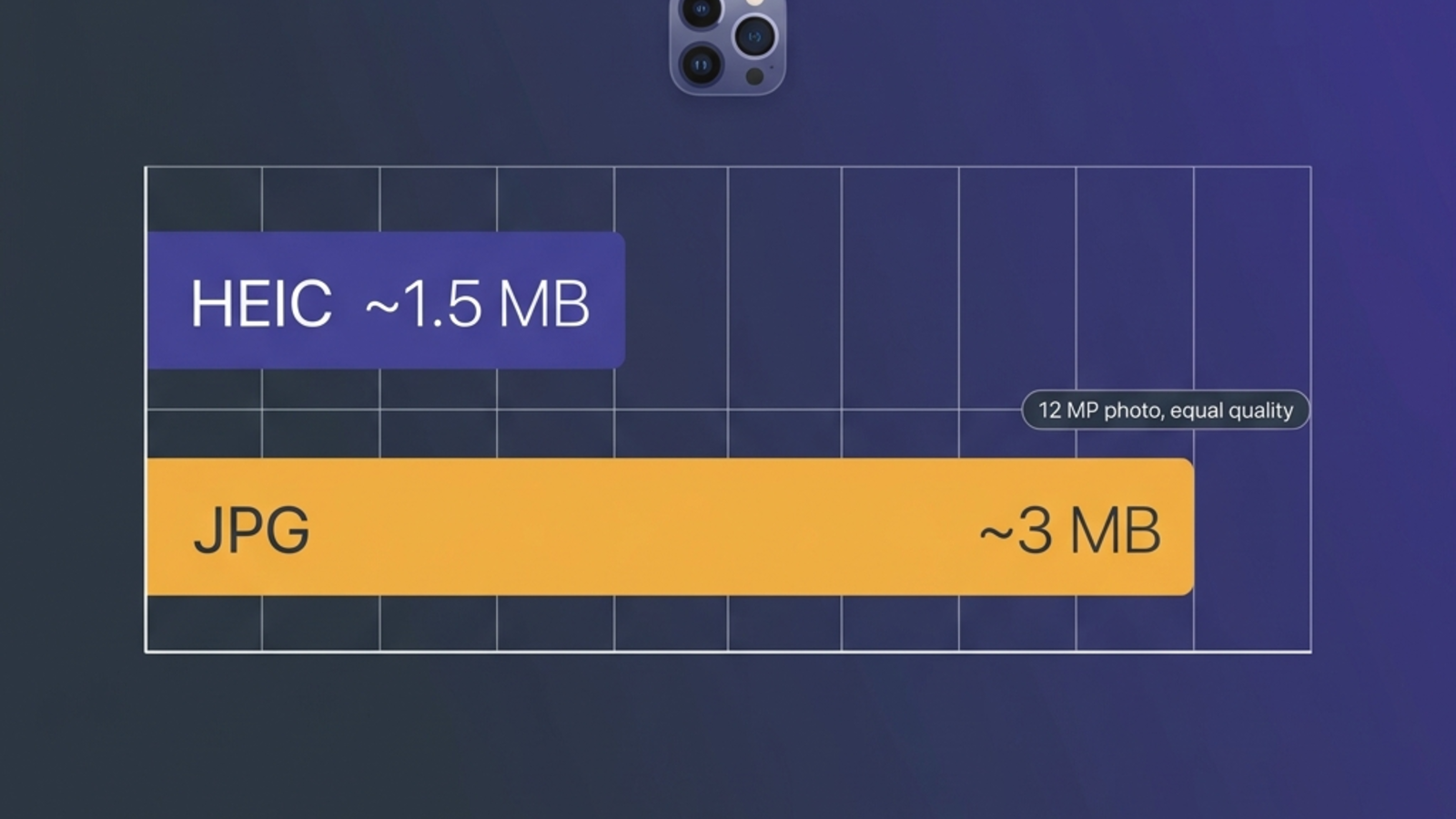
The win compounds. A 64 GB iPhone with 8,000 HEIC photos would hold roughly 4,000 JPGs at the same quality. Over a year of casual shooting, that's the difference between needing iCloud and not.
If your bottleneck is iPhone storage, HEIC matters. If your bottleneck is uploading to a website that caps at 5 MB, JPG is usually fine and HEIC won't even be accepted.
2. Image quality and compression artifacts
Both formats are lossy, but HEVC is a much smarter codec than JPEG. At the same file size, HEIC produces fewer of the blocky 8×8 compression artifacts that JPG is famous for, especially in smooth gradients (skies, skin tones, low-light noise) and sharp high-contrast edges (text, branches against sky).
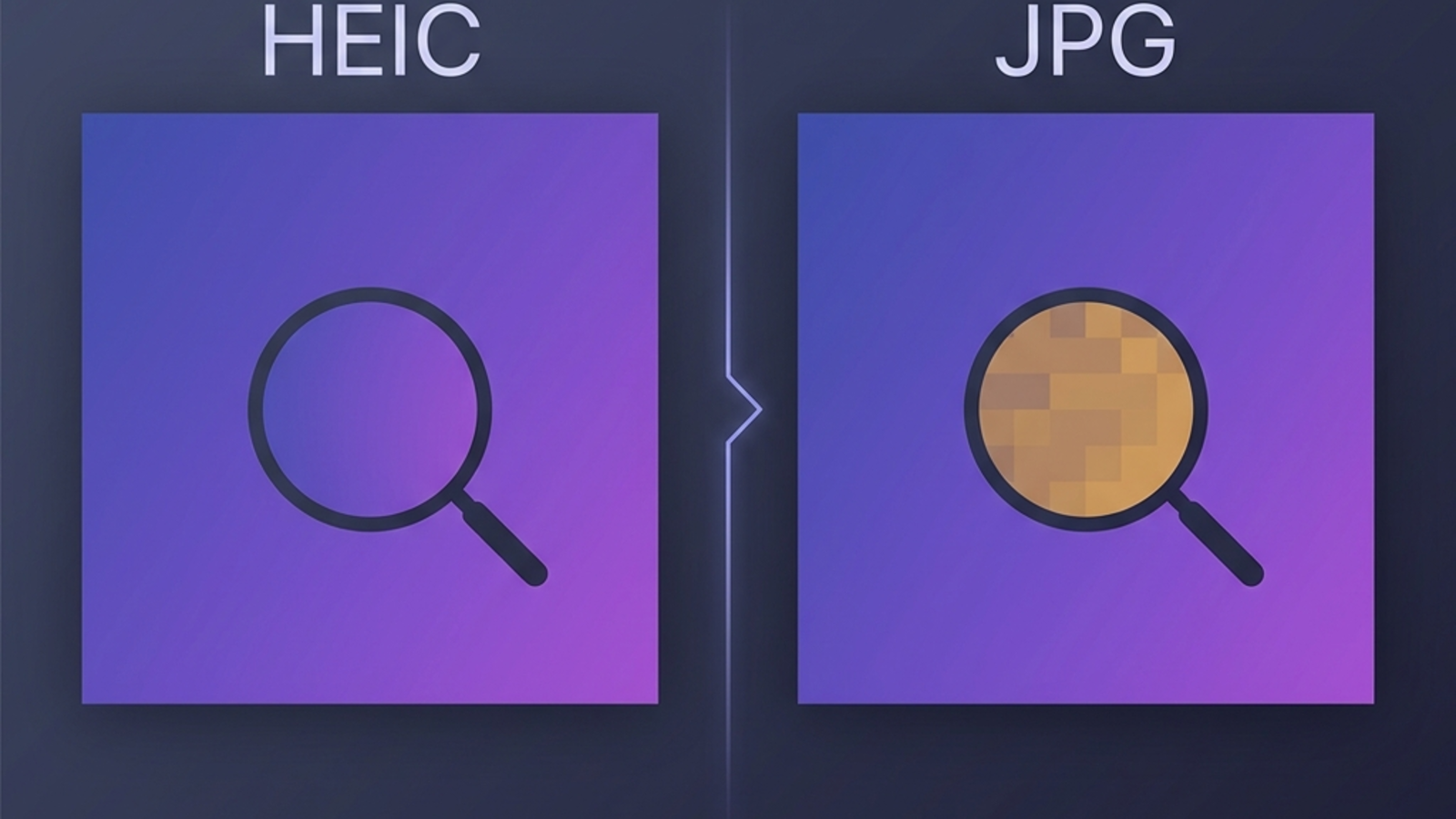
HEIC also stores 10 bits per color channel instead of JPG's 8 bits. That's 1,024 brightness steps per channel instead of 256, which translates to less banding in skies and gradients and a true HDR image you can play back on a modern display. JPG can't carry HDR at all — when you export an HDR HEIC to JPG, you bake in a tone-mapped SDR version and lose the highlight headroom permanently.
In practice, for typical Instagram-or-print sized output, the visible quality difference is small. For archival, editing latitude, or any HDR workflow, HEIC's headroom is meaningful.
3. Compatibility — the only difference that breaks workflows
This is where HEIC actually costs you something.
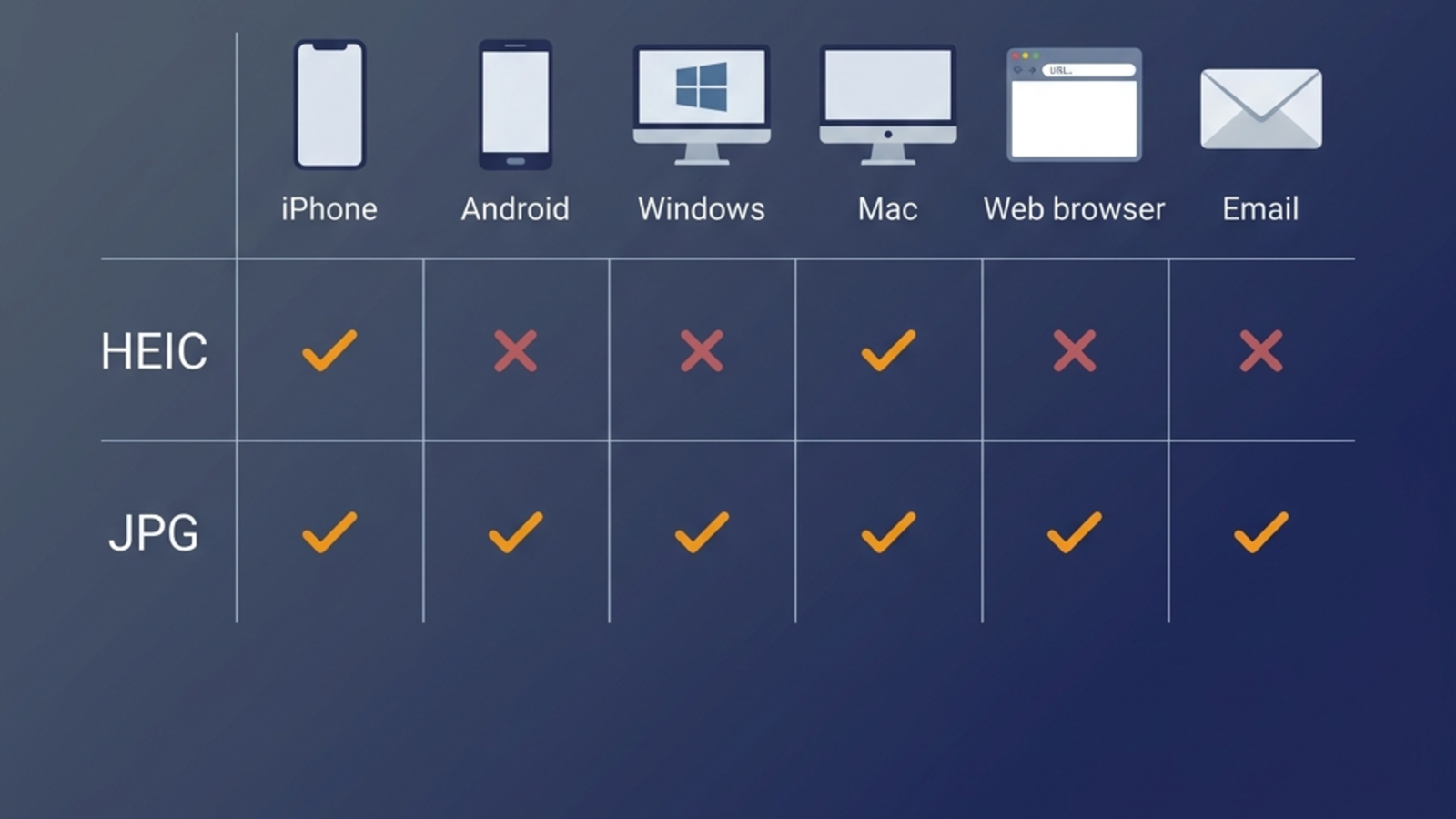
| Where | HEIC | JPG |
|---|---|---|
| iPhone, iPad, Mac (native apps) | Native | Native |
| Windows 11 | Needs paid HEVC extension | Native |
| Android (Pixel 8+, Galaxy S22+) | Native | Native |
| Older Android (pre-2022) | Often broken | Native |
| Chrome, Firefox, Safari (web) | Not natively rendered | Native |
| Gmail, Outlook, Slack | Often refuse or render blank | Native |
| WhatsApp, Discord, Telegram | Auto-converts on send (lossy) | Sent as-is |
| Photoshop, Lightroom (CC 2023+) | Native | Native |
| Most stock photo and print sites | Reject | Accept |
If you've ever sent a HEIC to a Windows or older-Android friend and they got a blank icon, you've hit this. We have a step-by-step fix for that exact scenario: HEIC won't open on Windows 11. The path of least resistance is almost always to convert before sending.
4. Editing, metadata, and Live Photos
Both formats carry EXIF (camera, lens, GPS, timestamp). HEIC additionally carries:
- Live Photo sidecar — the 1.5 second video before and after the still
- Depth map for Portrait mode photos, used to redo bokeh later
- Burst groupings that survive across iCloud sync
- Multiple images per file — HEIF can hold image sequences and animations natively
Convert HEIC to JPG and all of this is dropped. If you've ever tried to "save" a Portrait mode photo by exporting to JPG and lost the ability to re-edit the blur, this is why. For most people that loss is invisible — you'll never re-edit those photos. For anyone who actually re-edits in Lightroom or Photos.app, keep the HEIC and only export JPGs as a derivative.
GPS metadata survives a HEIC-to-JPG conversion provided the converter is honest about it. Browser-based converters that run locally — including our HEIC to JPG tool — preserve EXIF by default. Some server-side converters strip it for "privacy" without saying so. Worth checking if your photos are geo-tagged and you want them to stay that way.
5. Printing
For printing — photo books, lab prints, posters — JPG is still the safer bet. Most print-on-demand services accept TIFF or JPG; very few accept HEIC. Export to JPG at quality 95 or higher before uploading and you'll lose nothing visible to the human eye on paper.
There's a second print-specific reason JPG wins: color management. Print labs expect sRGB or Adobe RGB JPGs. HEIC files from iPhones often carry the wider Display P3 color space, which some labs silently re-interpret as sRGB and produce slightly desaturated prints. A clean JPG export at sRGB sidesteps the problem entirely.
6. Future-proofing and AVIF
The future is more open than HEIC's licensing situation suggests. AVIF, which uses the royalty-free AV1 codec instead of HEVC, achieves comparable compression to HEIC and is already supported natively by Chrome, Firefox, Safari, and Windows 11. JPEG XL is another candidate but adoption has stalled.
For anything you're archiving in 2026 and beyond, AVIF is the format to watch — see our format cheat sheet for the full picture across HEIC, JPG, PNG, WebP, and AVIF.
For now: HEIC is fine for iPhone storage, JPG is fine for sharing, and AVIF is the safer choice for the open web.
Should I convert HEIC to JPG? Decision matrix
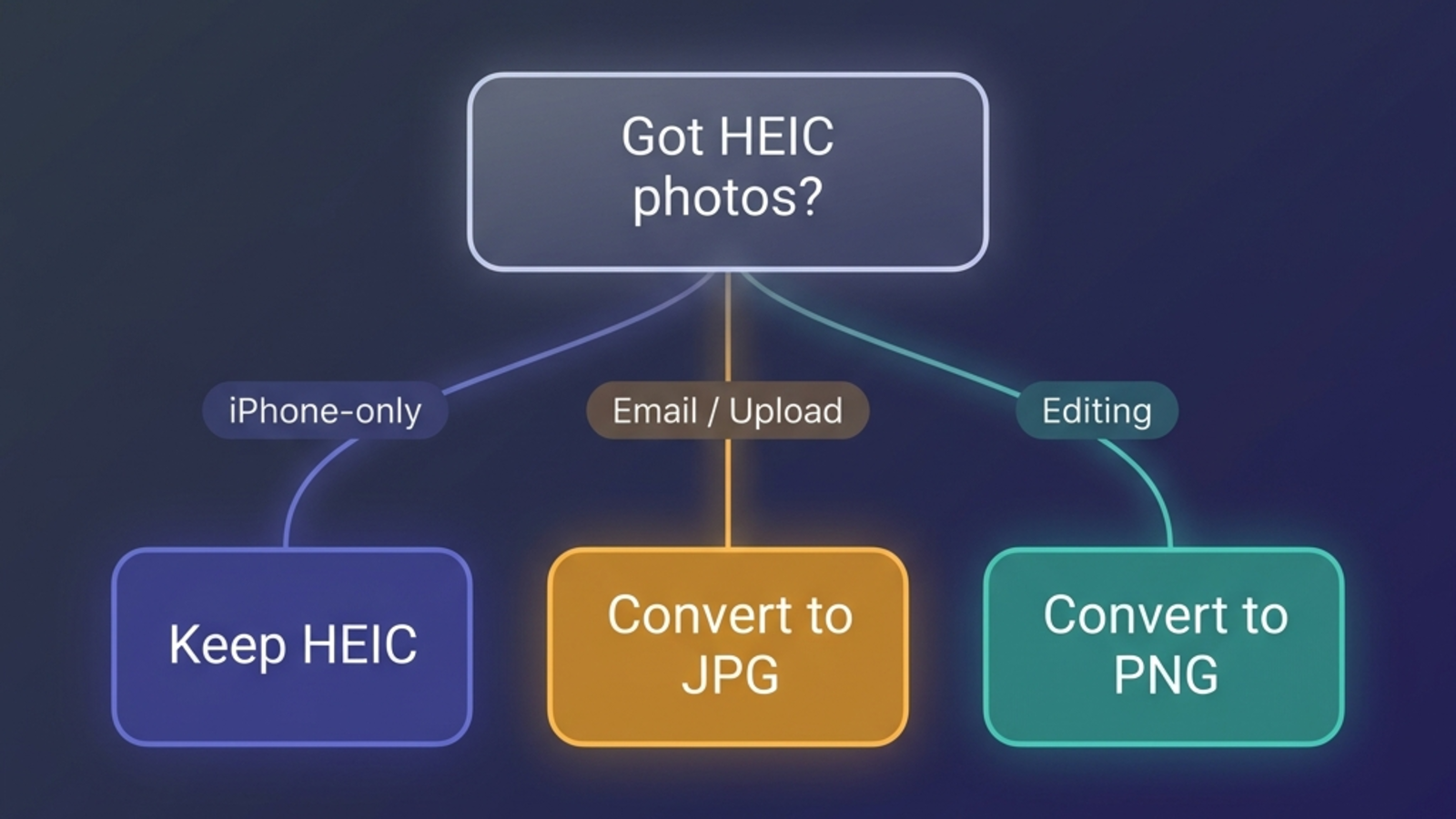
| Your situation | Best choice |
|---|---|
| iPhone storage tight, you don't share much | Keep HEIC |
| Sending to Windows or Android friends | Convert to JPG |
| Uploading to a job application, gov form, school portal | Convert to JPG |
| Posting to Instagram, Facebook, Reddit | Either works (they re-encode anyway) |
| Printing a photo book or lab prints | Convert to JPG (quality 95+) |
| Editing in Lightroom or Photos.app | Keep HEIC, export JPG only on output |
| Archiving for 10+ years | Keep HEIC + an AVIF or JPG copy |
| Putting it on a personal website | Convert to AVIF or WebP |
| Combining receipts or scans | Convert straight to PDF |
The default rule: keep the HEIC original, share a JPG derivative. You get the storage and editing wins of HEIC and the "everyone can open it" win of JPG without picking just one.
How to convert HEIC to JPG without losing quality
Both formats are lossy, so technically every conversion costs something. In practice, the loss from a single HEIC → JPG round-trip at quality 92 or higher is invisible to humans, and that's all the precision a JPG can carry anyway (it's an 8-bit format).
What actually matters when converting:
- Set quality to 92 or higher. Some converters default to 75 or 80 to keep files small. That's where you start seeing real artifacts.
- Don't double-convert. HEIC → JPG → HEIC → JPG compounds losses. Always go from the original HEIC.
- Preserve EXIF. GPS, capture time, and camera info are useful later. A good converter keeps them.
- Process locally if the photos are personal. Browser-based converters that run JavaScript or WebAssembly never upload your file to a server. Server-side converters do.
The same engine handles PNG when you need a lossless copy, WebP for web pages, or PDF when you're combining multiple photos into one document. On Mac, Preview can convert natively without any extra tool. On iPhone you can do it inside Safari too.
HEIC vs JPG vs PNG: which one for which use case?
People often lump PNG into the comparison, so here's a one-line answer for each.
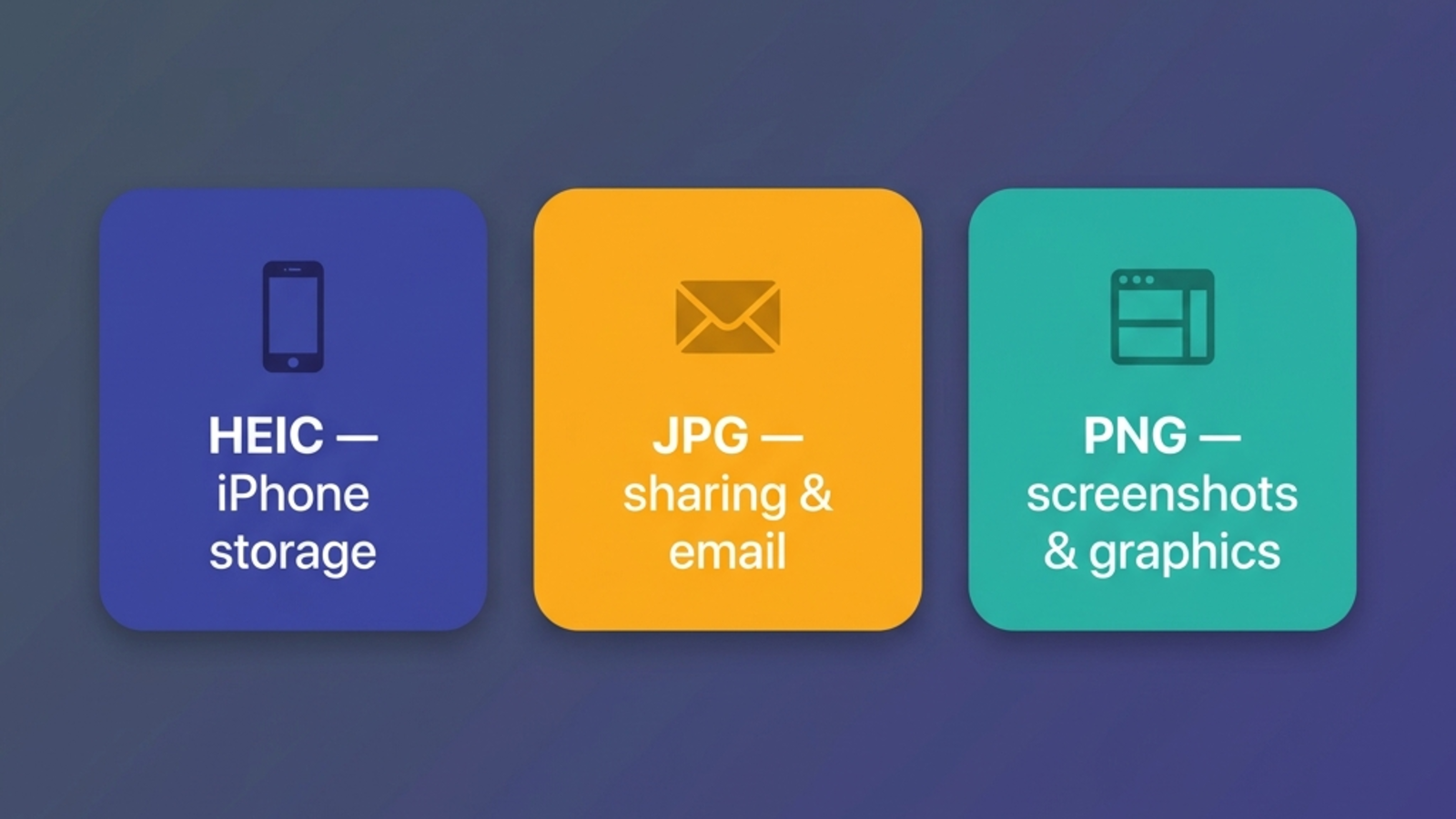
- HEIC — best for iPhone photo storage, HDR, and Live Photos. Loses a lot when shared outside Apple's ecosystem.
- JPG — best for sharing photos with anyone, anywhere. Lossy but universally accepted, and good enough for almost every photo scenario.
- PNG — best for screenshots, logos, diagrams, and anything with sharp text or transparency. Lossless, but file sizes are typically 5–10× larger than JPG for full-resolution photos.
A working rule: photos go to JPG, graphics go to PNG, iPhone originals stay HEIC. When in doubt, JPG is rarely the wrong answer.
If you're stuck on a specific platform, the blog has a step-by-step guide for each. The Windows 11 black-square fix is the one most people hit first.
Frequently asked questions
Related articles

HEIC vs PNG: Quality, Size, and When to Convert (2026)
HEIC vs PNG compared on file size, quality, transparency, and compatibility — with a clear take on when converting HEIC to PNG is actually worth it.

How to Convert HEIC to JPG on a Mac: 5 Free Ways (2026)
Convert HEIC to JPG on a Mac with no extra software — Finder, Preview, Photos, Shortcuts, or Terminal. Tested on a real iPhone photo, including what happens to GPS.

How to Turn Off HEIC on iPhone (2026 Step-by-Step)
Stop your iPhone from saving photos as HEIC. iOS 26 + iOS 18 steps, the hidden Transfer setting, and what to do with HEICs you already have.